
Integration guide
The Newtone platform currently supports translating any translatable Shopify content via the Newtone Shopify App:
Content creation is handled exclusively on the Shopify App
Configurations are handled by the general Newtone Platform
How to connect
While logged into your main store (the one you want to be billed on), navigate to the Newtone Shopify App within the Shopify App Store and press Install
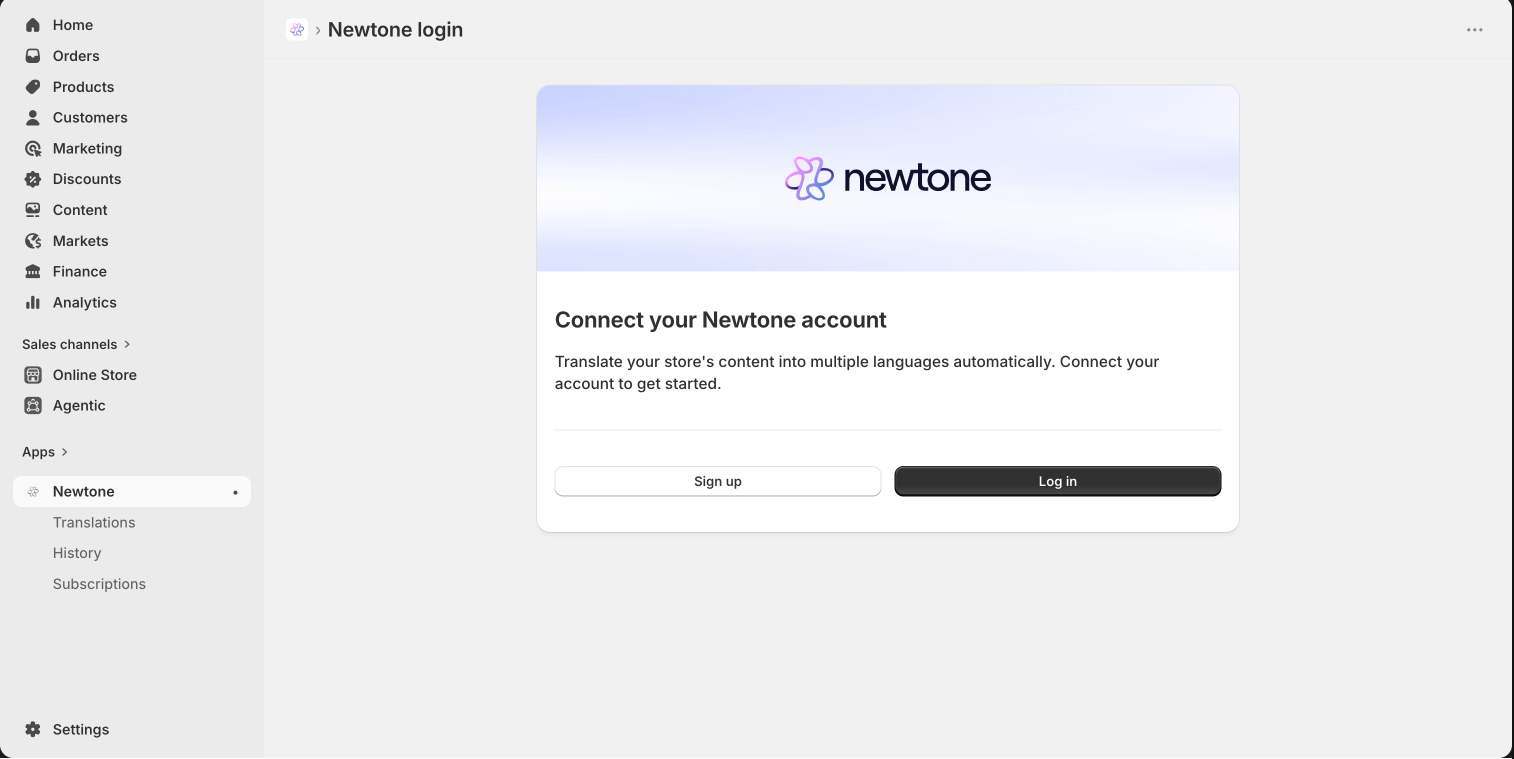
Connect the Newtone Shopify App to the Newtone App by logging in or signing up. Important: If your organization is using the Newtone App already, please ensure you log into the existing organization. Sign up will create a new organization.
(Choose the relevant pricing plan) - this step will be skipped if your Newtone organization is already connected to a Shopify store with a subscription
Please note that if you are running a Shopify setup with multiple stores, you will have to integrate each store separately by going through the above steps. In step 2, you should connect the different stores to the same organization within Newtone, using the same login. This ensures that
the configuration is shared across all stores
you will only be billed on the store you installed first. Usage of all stores counts against this subscription